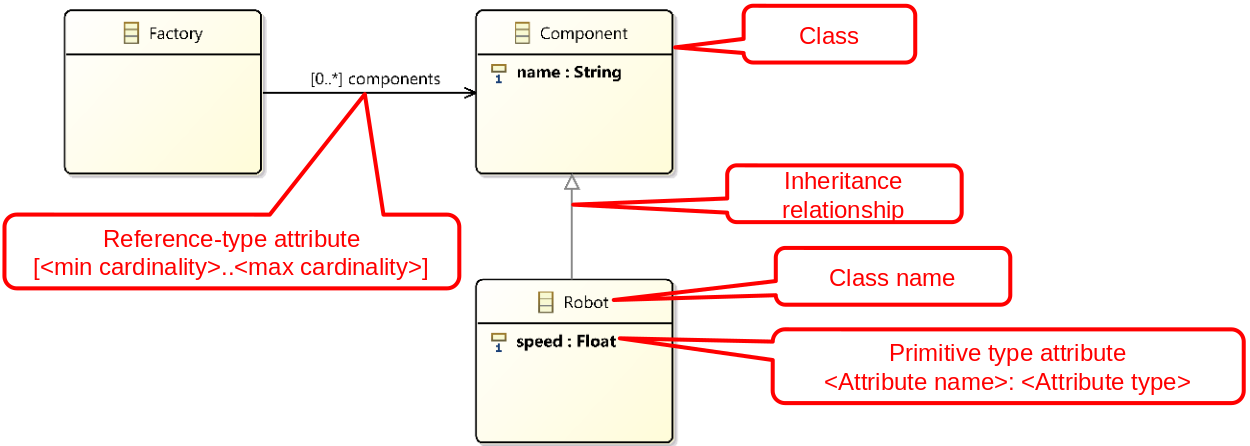
TD 1: Design exercise - Model the structure of a robotic factory
Overview
In this design exercise, you will work in teams to create a class diagram modelling the structure of a robotic production factory. This exercise introduces the project you will develop throughout this course.
In this exercise, you will learn to:
- Understand the project context and requirements
- Identify system components
- Apply good software design principles
- Create a class diagram collaboratively
Project: Develop a simulator for a robotic production factory
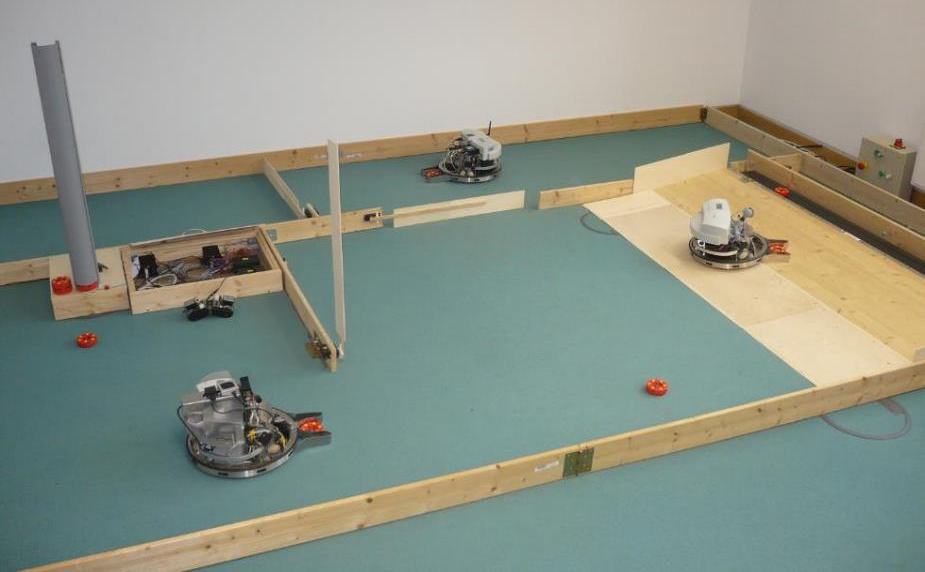

Inspired by the Cyber-Physical Systems Laboratory of the Hasso Plattner Institute (Potsdam, Germany)
Why this system?
- Allows the implementation of essential OO concepts.
- Delegation/non-intrusion, inheritance, polymorphism, abstract classes, ...
- Allows the implementation of interfaces for integrating different software components.
- A graphical interface will be provided, and integrating this component will allow visualizing the simulation, making development more fun.
- Illustrates several design patterns and the importance of software architecture.
- Can be extended to implement advanced aspects (2nd year courses):
- Data persistence
- Parallel programming and resource access synchronization
- Distributed applications
- and more...
Project requirements
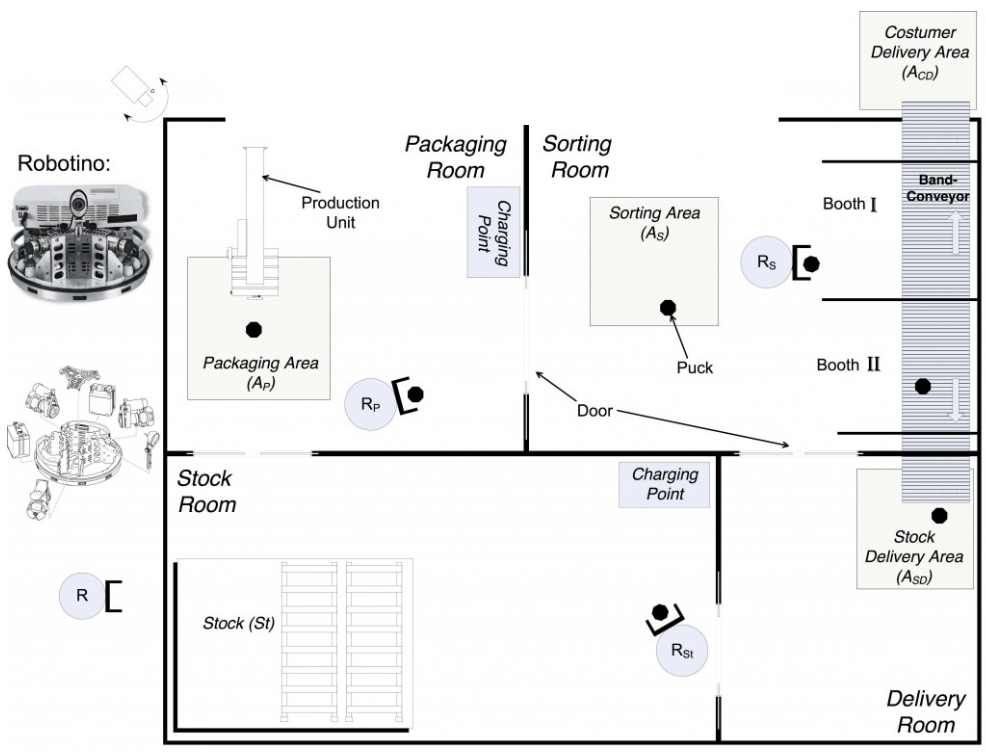
- R1: Model a simplified robotic production factory containing these elements:
- Factory, robots, robot charging stations, rooms and doors, work areas, production machines, and conveyor.
- R2: Simulate the behaviour of robots transporting produced goods (washers) from one place to another within the factory:
- For each robot, provide a list of positions to visit in the factory, and the robot must move to visit them in succession.
- Robots must avoid obstacles on their path.
- R3: The factory and its simulation must be visualized through a graphical user interface.
- R4: The model (data) must be saveable to disk.
- R5: The application must handle exceptions that may occur during the execution of the program:
- For example, when there are issues accessing data on disk.
Optional, if you have enough time:
- R6-opt: Simulate the robot's energy consumption. If a robot reaches a specified minimum energy level, it must move to a charging station and stay there for a certain time to recharge. (Assumption: Energy consumption is proportional to the robot's speed).
- R7-opt: Doors will open and close automatically when a robot needs to enter a room.
Development requirements
- R8-dev: Implement good programming practices discussed in class:
- Definition and organization of classes.
- Naming conventions.
- Comments and code formatting.
- R9-dev: The architecture must follow the MVC (Model-View-Controller) pattern as presented in class.
What is not required
- The details of the features to be implemented for the project will be provided in each of the lab instruction documents.
- Given the limited time available, several aspects of the simulator will obviously not be considered for this project; they will be covered in an advanced Java programming course in the second year.
- For example:
- Parallelism and concurrent access to resources (synchronization).
- Distributed application.
- Database.
- Etc.
- For example:
- This system is only intended to illustrate the concepts and good programming practices taught in the CSC_3TC36_TP course. It is not meant to be a professional simulator.
Example of robotic production factory structure
https://www.hpi.uni-potsdam.de/giese/public/cpslab/detailed-laboratory-description/
Importance of design: Another example of a very (very) simple system
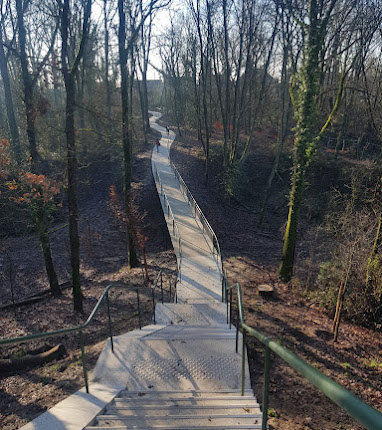
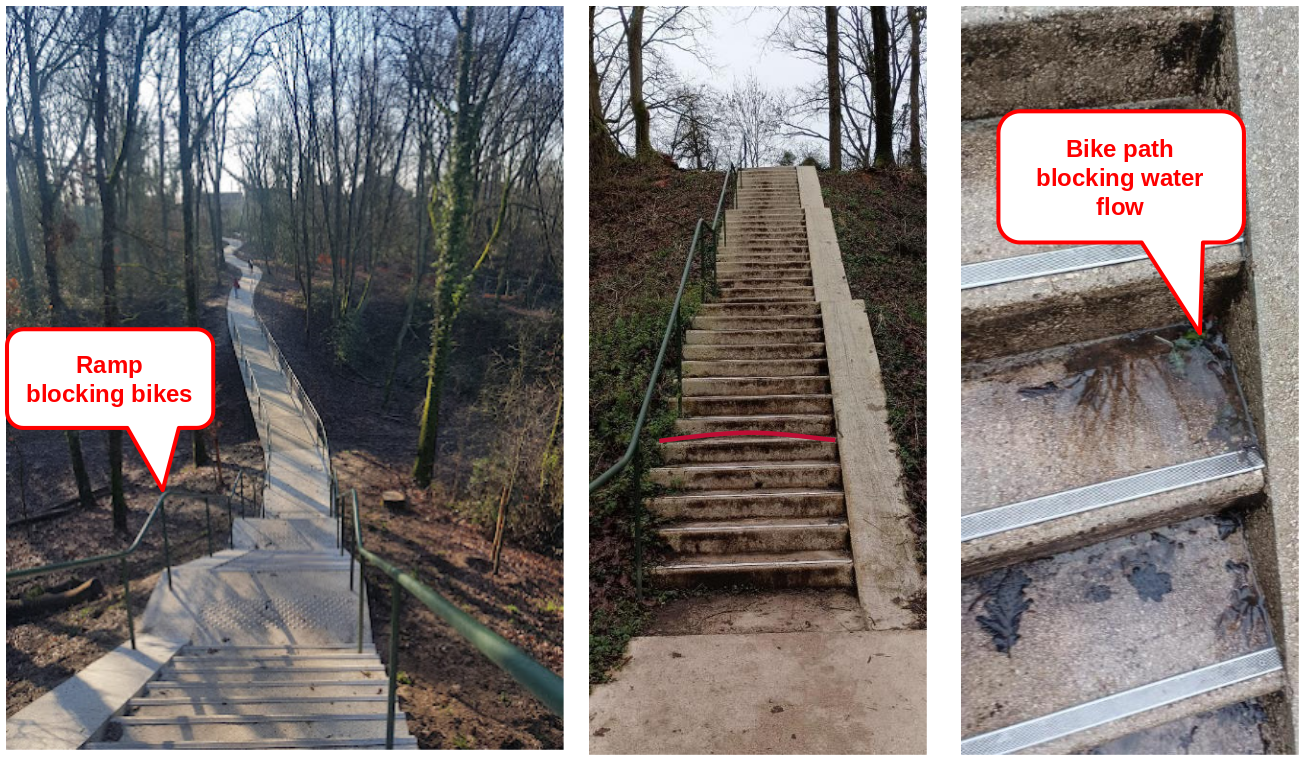
- Bridge of the Troche quarry:
- On the path to catch the RER B at the Guichet station from the school.
- Find two design errors.
Answer
Importance of design
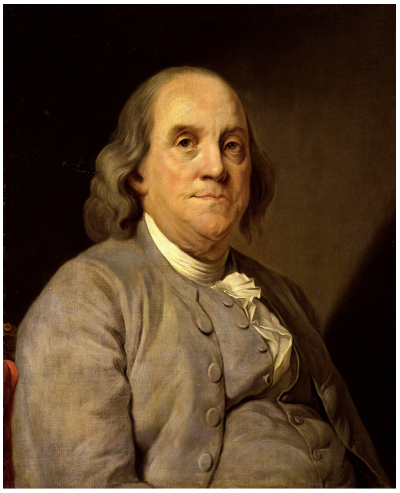
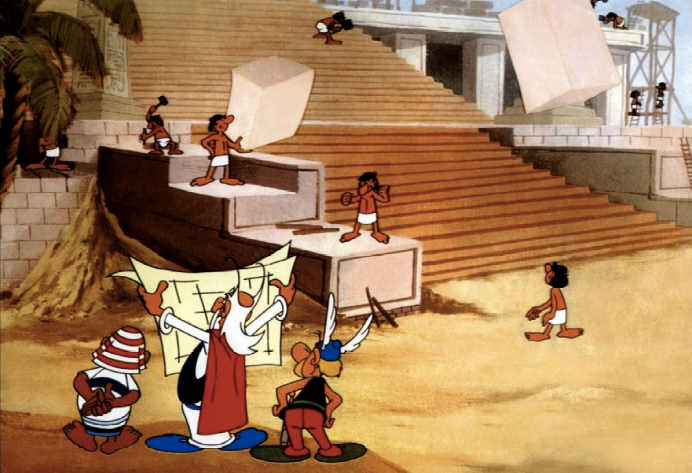
"If you fail to plan, you are planning to fail!" -- (Benjamin Franklin painted by Joseph-Siffrein Duplessis)
Guided design exercise
In groups of 2 or 3 students, draw a class diagram to model the structure of the robotic factory:
- Draw on paper or use another tool of your choice.
- 20–30 minutes of teamwork.
- Presentations from some teams on the board.
- Discussions and iterative improvements of the class diagram.
-
Note: Focus only on the structure of the factory; the behaviour (modelled by class methods) will be specified in a future lab session.